
Premium tools are central to high-performance SEO.
When you need advanced functionality, stored data, or on-demand support, a paid subscription is often the norm.
However, for many day-to-day SEO tasks, a free tool does the job.
There are hundreds of free SEO tools out there. And they often come with a catch:
- They are not entirely free to use, or
- They require a paid subscription after the trial period ends.
That makes finding genuinely useful free SEO tools harder than it should be.
So, we’ve put together a list of the best free SEO tools for everyday SEO work. Each tool has either been endorsed by an SEO or is widely used by the SEO community.
The tools are organized by task, including analytics, crawling and indexing, keyword research, link tools, local SEO, on-page SEO, site speed, rank tracking, keyword tracking, and under-the-radar tools worth discovering.
Free SEO analytics tools
Here are the best free SEO tools we recommend.
1. Bing Webmaster Tools
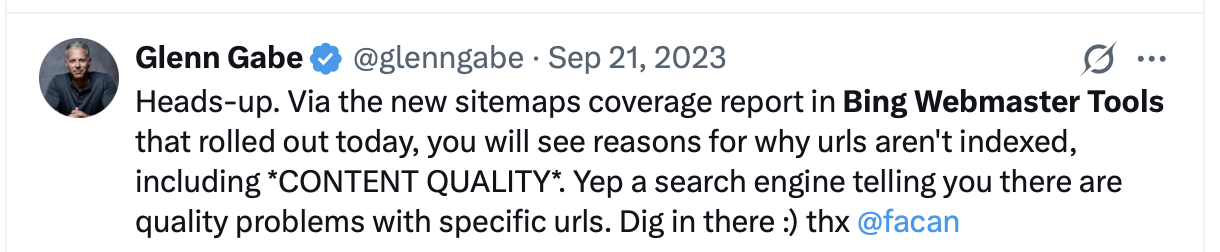
Bing Webmaster Tools is an essential free tool for understanding how Bing crawls, indexes and ranks your site.
You can track search performance, inspect URLs, submit sitemaps, research keywords, analyze backlinks, and identify crawling and indexing issues.
Submitting your site through Bing Webmaster Tools also matters beyond Bing itself: Yahoo directs website owners to Bing Webmaster Tools for site submission, while DuckDuckGo sources most of its traditional search results from Bing.
2. Google Search Console
Google Search Console is a free service by Google that helps you monitor, maintain, and troubleshoot your site’s performance in Google Search results. It helps you understand and improve how Google sees your site.

3. Keyword Hero
You may know some of your search keywords from Google Search Console, but only Keyword Hero shows you the majority of your organic keywords including all session metrics. This is all available in a web app or a separate Google Analytics property.
Keyword Hero also includes an MCP server, historical data loading, search intent data and AI traffic data, giving you more ways to analyze and work with your organic search data.
Find out how much traffic and how many conversions you get from your target keywords.
4. GSC Guardian
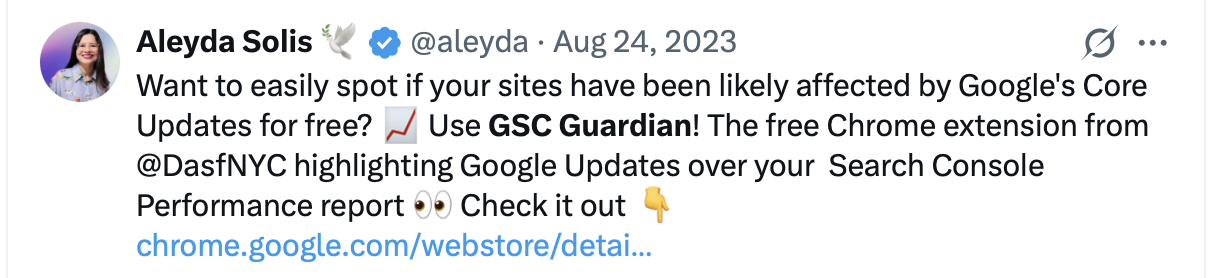
GSC Guardian is a Chrome extension that adds annotations and Google algorithm updates directly to your Google Search Console performance graphs.
It makes it easier to see whether major search updates or changes to your website line up with increases or drops in organic search performance.
5. Google Analytics
Google Analytics lets you measure how visitors find and interact with your website. It provides detailed reporting on traffic, engagement, conversions and revenue.
For SEOs, it helps show what happens after visitors arrive from organic search and which landing pages drive results. Conversion data can also be analyzed, although Google Analytics does not connect those conversions directly to organic keywords.
6. Data Studio
Use Data Studio to visualize your Google Search Console data in customizable dashboards and reports.
You can combine Search Console data with Google Analytics and other data sources, making it easier to build SEO dashboards or add organic search performance to existing marketing reports.
7. MozCast
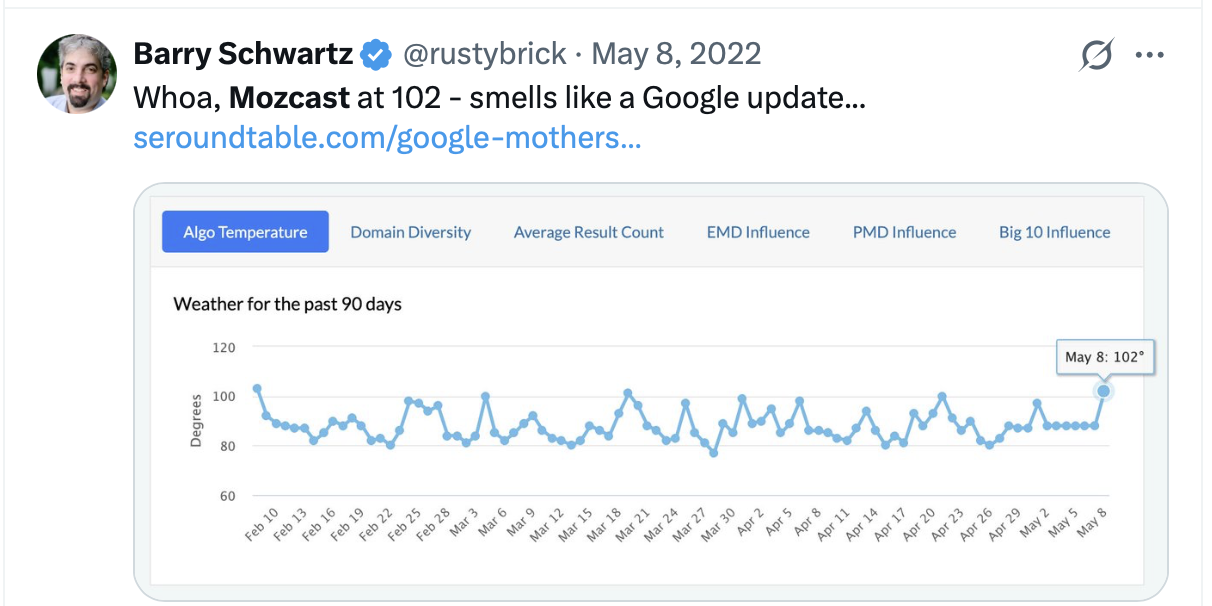
MozCast tracks the day-to-day “weather” of Google’s search results. The hotter and stormier the weather, the more rankings have changed.
It can help you determine whether sudden ranking fluctuations are specific to your website or part of a broader change in Google’s search results.
8. Ahrefs Free
Ahrefs Free gives website owners free access to several of Ahrefs’ SEO tools for verified websites.
Use it to monitor organic traffic and ranking keywords, analyze backlinks, run technical SEO audits and identify issues that may be affecting your website’s search performance.
Best free crawling and indexing tools
Crawling and indexing help your site rank in search results. And there are plenty of free tools to do this.
9. Onpage Hero
Onpage Hero constantly adds more and more useful data points that you can then use in your Google Analytics property to monitor the SEO and grow your website through the powerful GA Dashboard.
10. Link Redirect Trace
Perform advanced analysis of links, redirects, and canonical tags. Use this extension for technical SEO, on-page SEO, off-page SEO, competitor analysis and more.

11. Redirect Path
The Ayima Redirect Path Chrome extension flags 301, 302, 404, and 500 HTTP status codes, bringing attention to potential issues that may otherwise go unnoticed.
It also identifies redirects and errors, including client-side redirects such as Meta and JavaScript redirects.

12. Screaming Frog
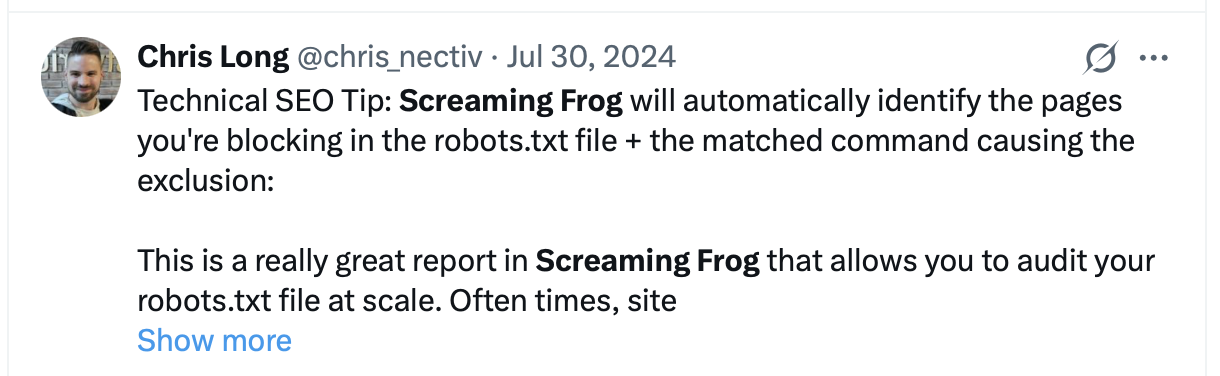
Screaming Frog SEO Spider is a desktop application that crawls a website’s links, images, CSS and other elements from an SEO perspective.
It helps show what a search engine crawler sees when it visits a website and makes it easier to identify technical SEO issues. The free version lets you crawl up to 500 URLs.
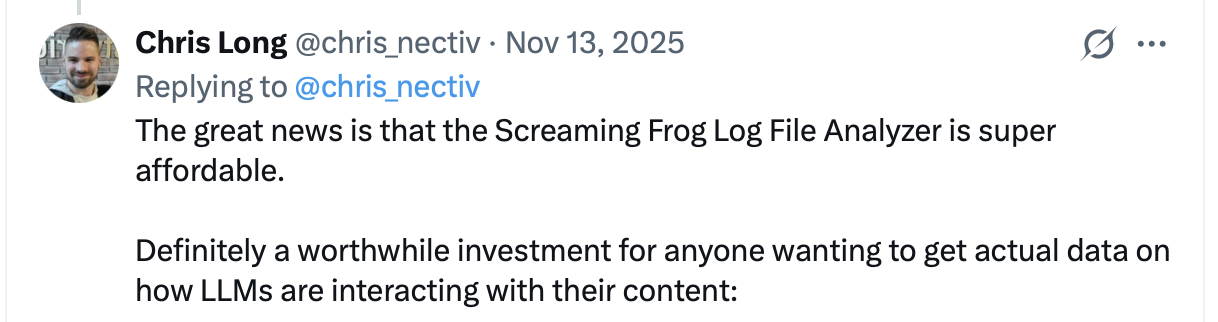
13. Screaming Frog Log File Analyser
The second tool by Screaming Frog lets you upload log files, verify search engine and AI bots, identify crawled URLs, and analyze bot data and behavior for valuable SEO insights.
The free version lets you analyze up to 1,000 log events in a single project.
Free tools for keyword research
A main component of a well-rounded SEO strategy is knowing which keywords to target. These free tools can help you identify which keywords to focus on.
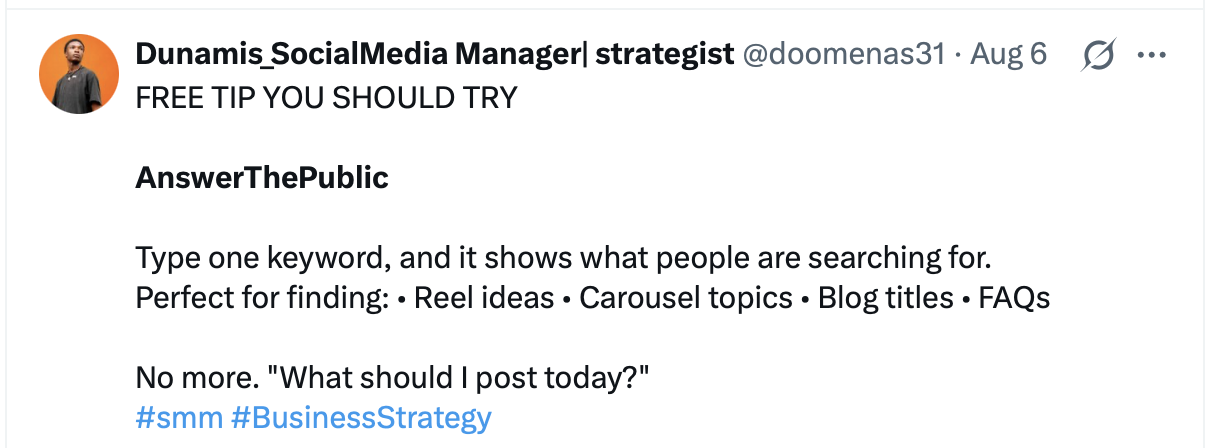
14. AnswerThePublic
AnswerThePublic listens in to autocomplete data from search engines like Google, then quickly generates useful phrases and questions people are asking around your keyword.
It can help you discover keyword ideas, questions, and topics for SEO and content. The free account includes three searches per day.
15. Moz Keyword Explorer
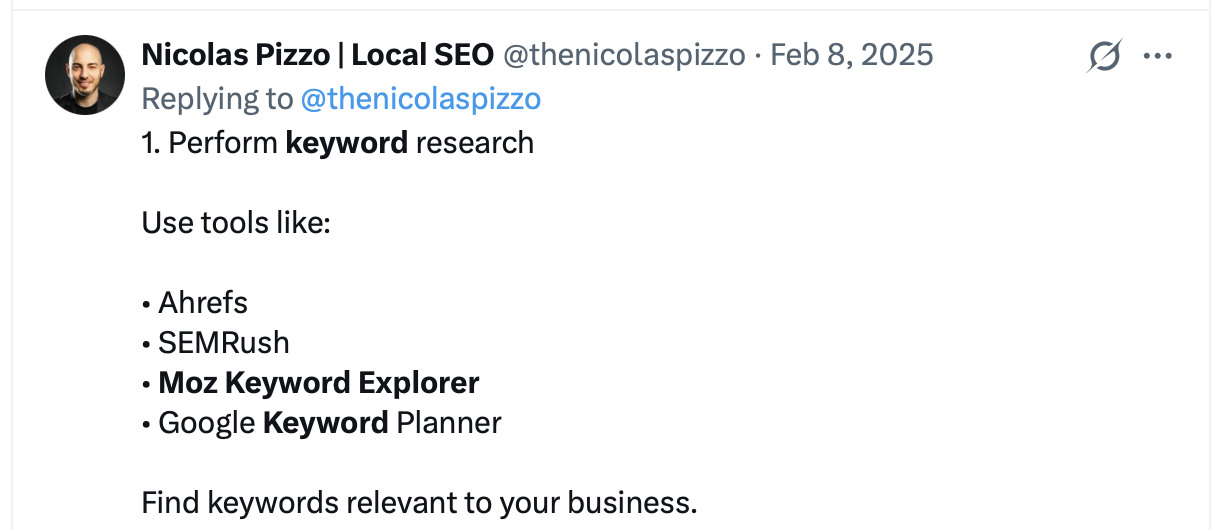
Do better keyword research in less time. Find keyword suggestions and see metrics such as search volume, Keyword Difficulty, organic CTR and Priority.
The free account includes up to 10 keyword searches per month.
16. Google Trends
Google Trends shows how search interest changes over time and across different regions.
Use it to compare keywords, spot rising topics, identify seasonality, and see what people are searching for right now.
17. Reddit Keyword Research Tool
Start typing the name of a subreddit and pick one from the auto-generated list. Then click “Get Keywords” to extract keyword ideas from that subreddit.
It’s a useful way to discover the language, questions, and topics used by specific communities, along with estimated monthly search volume.

18. AlsoAsked.com
AlsoAsked gives you a view of Google’s people also ask data, showing a breakdown of which questions users are asking about a topic and vitally, how those questions are linked together.

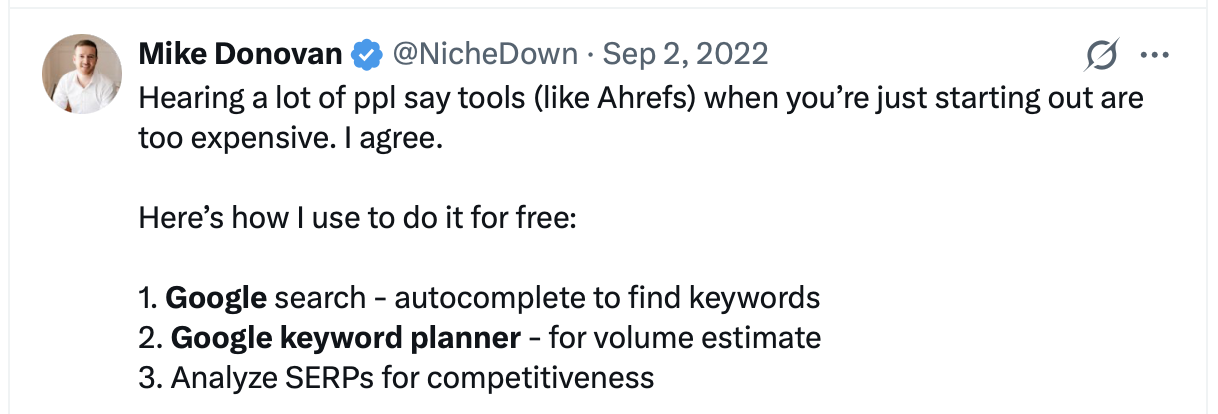
19. Google Keyword Planner
Search for words or phrases related to your products or services. This keyword research tool helps you find relevant keywords and see estimated monthly search volume.
Keyword Planner is free to use, but requires a Google Ads account. Google Ads accounts with active campaigns may see more precise search volume data.
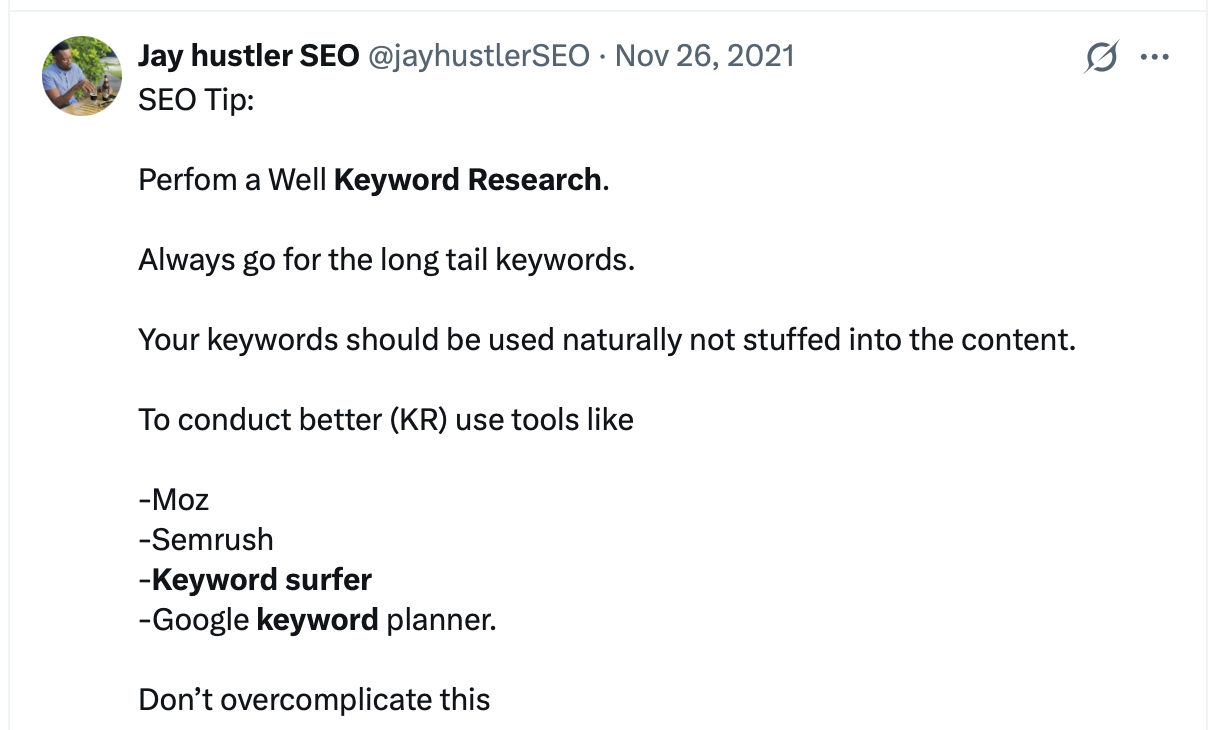
20. Keyword Surfer
Keyword Surfer is a free Chrome extension that shows keyword data directly in Google search results.
Use it to find keyword suggestions, check search volume, and see how closely related keywords overlap in the search results.
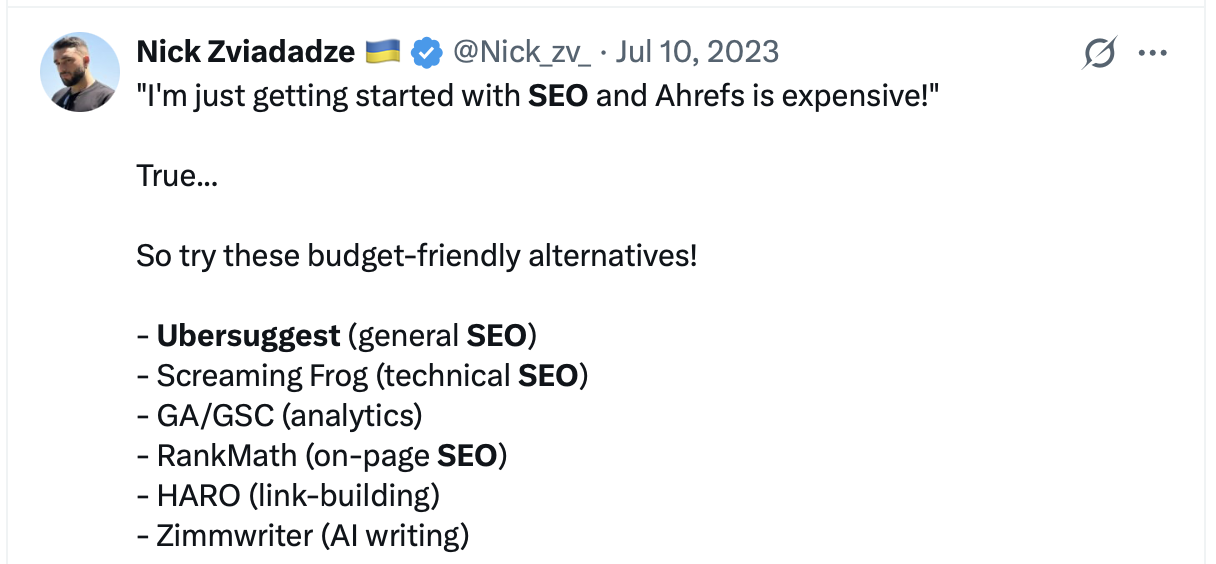
21. Ubersuggest
Ubersuggest helps you research keywords, analyze competitors, check backlinks, run site audits, and track rankings.
The free account includes three searches per day and gives you access to a limited set of SEO data and recommendations.
22. Surfer
Surfer helps you research keywords and topics, analyze search results and optimize content based on what is already performing in search.
New accounts get a 7-day free trial of the Pro plan, including keyword research, content auditing, AI visibility and other Surfer tools. After the trial period, a paid subscription is required.
Free link building tools
Link building still remains a key strategy for optimizing websites. Safeguard against penalties and broken links with these free link tools.
23. Disavow Links Tool
The Disavow Links Tool is part of Google Search Console and lets you ask Google to disregard specific backlinks or entire linking domains.
Most websites will never need to use it. Google recommends disavowing links only when a site has a considerable number of spammy or artificial backlinks that have caused, or are likely to cause, a manual action.

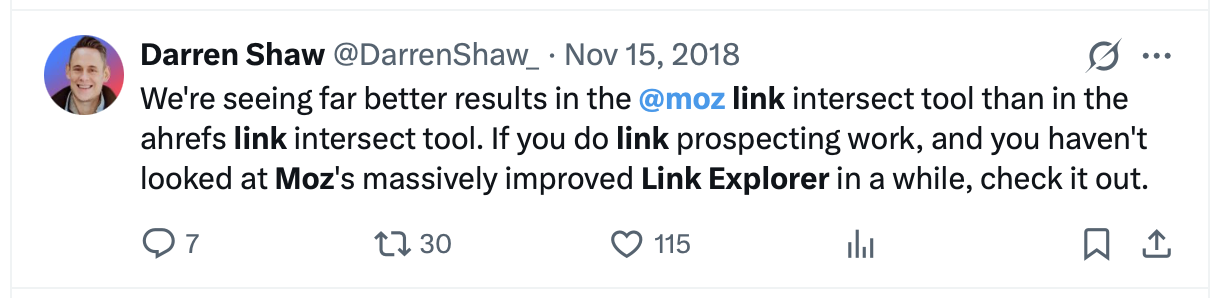
24. Link Explorer
Finding new links to a site cannot be done accurately using just one tool, but Moz Link Explorer is a good place to start.
Use it to analyze backlinks and linking domains, check Domain Authority and Page Authority, review anchor text, and find new or lost links. The free account includes 10 queries per month.
25. Detailed SEO Extension
Pull title tags, meta descriptions, meta robots tags, headings, structured data, and more with the Detailed SEO Extension.
Save time looking through the source code of a page by getting key on-page SEO information directly in your browser.

26. Backlink Checker
Neil Patel’s free Backlink Checker is part of Ubersuggest but has its own standalone tool page. It makes it easy to analyze backlinks and identify link opportunities for your site.
You can review referring domains, anchor text, link authority, Follow and NoFollow status, and backlink trends. The free report provides a limited sample of the available data.
27. Ahrefs Site Explorer
Ahrefs Site Explorer gives you an in-depth look at the backlink profile and organic search traffic of your website.
With an Ahrefs Free account, you can use Site Explorer for websites you own and verify, including access to backlink and organic keyword data.
28. MentionAgent
MentionAgent: AI link building that finds relevant blogs, writes personalised outreach and earns editorial backlinks. It covers the outreach and placement side that backlink analysis tools leave to you. Free trial available.
Free local SEO tools
Businesses have to protect their brand reputation and search visibility locally, as well as across the web. Between Google Business Profile and TechnicalSEO.com’s Google Review Link Generator, you can manage your local presence and make it easier for customers to leave reviews.
29. Google Business Profile
Google Business Profile is a free tool for managing how your business appears in Google Search and Maps.
Use it to update your business information, opening hours, website and contact details, add photos and posts and manage customer reviews.

30. Google Review Link Generator
Use the free Google Review Link Generator by TechnicalSEO.com to find your business and generate a direct Google review link.
Share the link with your customers to make it easier for them to leave a Google review.
Best free mobile SEO tools
Mobile users account for a large share of web traffic. People expect a seamless brand experience from one device to another. The performance of mobile pages can also affect your search visibility. Use these tools to ensure your mobile SEO is optimized. With mobile-first indexing, Google primarily uses the mobile version of your content for indexing and ranking.
31. Lighthouse
Lighthouse is a free tool from Google for auditing the quality of web pages, including performance, accessibility, SEO and mobile usability.
Run it directly in Chrome DevTools to identify issues that may affect the experience and performance of your pages on mobile devices.

32. Mobile SERP Test
The SERPerator tool by MobileMoxie gives you mobile search results at whatever location you want, specific down to an address, or by city, state, or postcode / ZIP code.
Most SEO tools are less geographically specific. SERPerator lets you see mobile search results as if you were standing at a specific address.

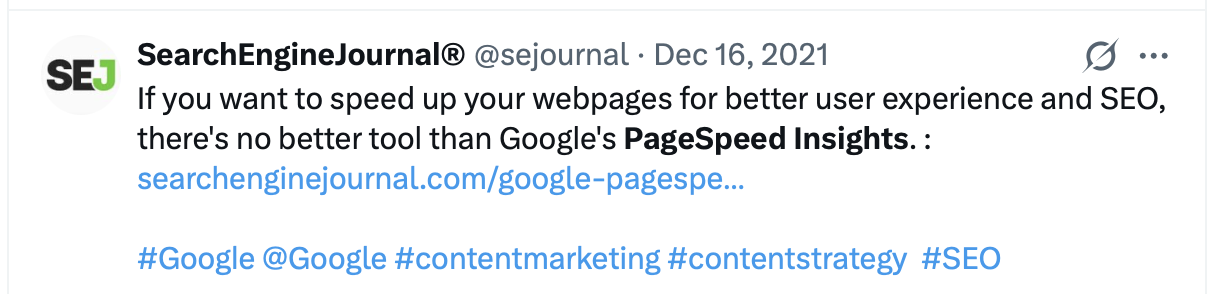
33. PageSpeed Insights
Make your web pages faster on all devices with Google’s PageSpeed Insights tool.
It uses real-world performance data to help identify speed and Core Web Vitals issues, along with opportunities to improve page performance.
Best free SEO multi-tools
It’s useful when a free tool can handle more than one SEO task. These tools have been vetted by the SEO community.
34. Chrome DevTools
Chrome DevTools is a set of web developer tools built directly into the Google Chrome browser. DevTools can help you edit pages and diagnose problems quickly so you can build better websites, faster.
For SEO, it is useful for inspecting rendered HTML, checking network requests, testing responsive layouts, and investigating performance issues.

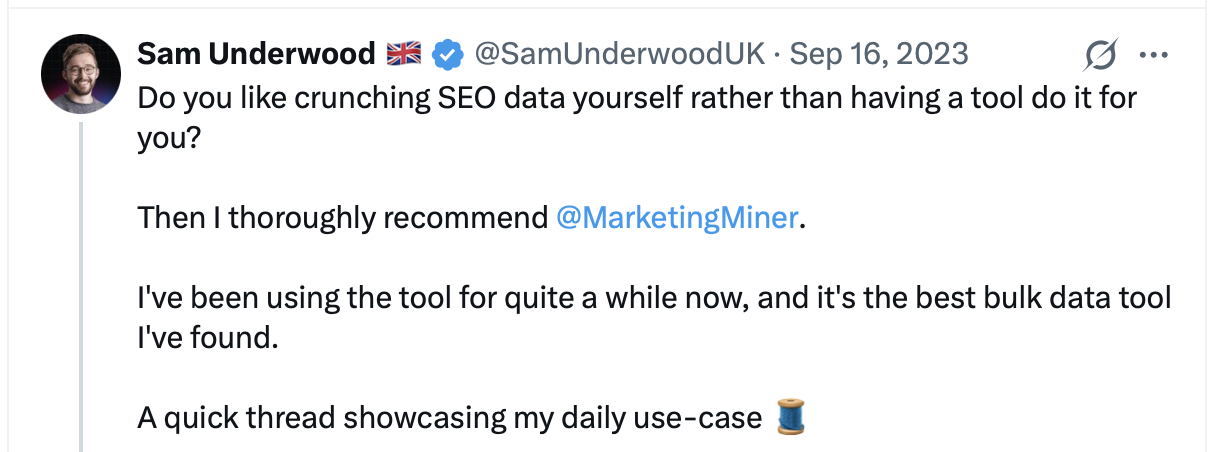
35. Marketing Miner
Marketing Miner helps you collect and analyze SEO data for keywords, domains and URLs.
Use it for keyword research, competitor analysis, rank tracking, SEO audits, link building, and bulk SEO analysis. The free Minee plan includes limited access to its tools and data.
36. MozBar
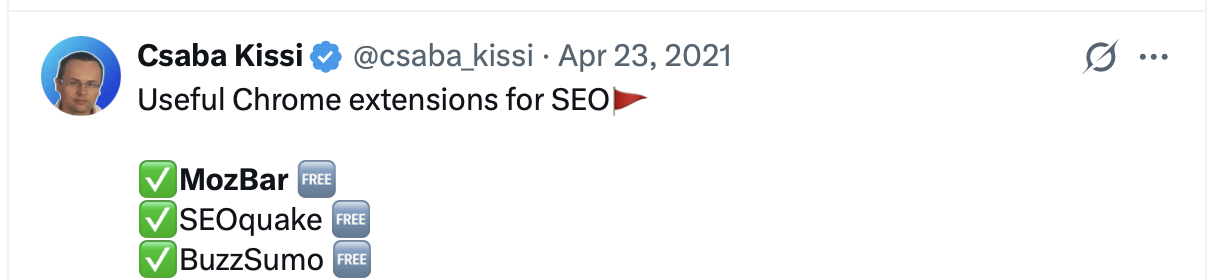
MozBar is a free Chrome extension that makes it easy to get SEO metrics while browsing the web.
It shows on-page information and link metrics for pages and domains, including Domain Authority and Page Authority when you’re signed in with a free Moz account.
37. Semrush
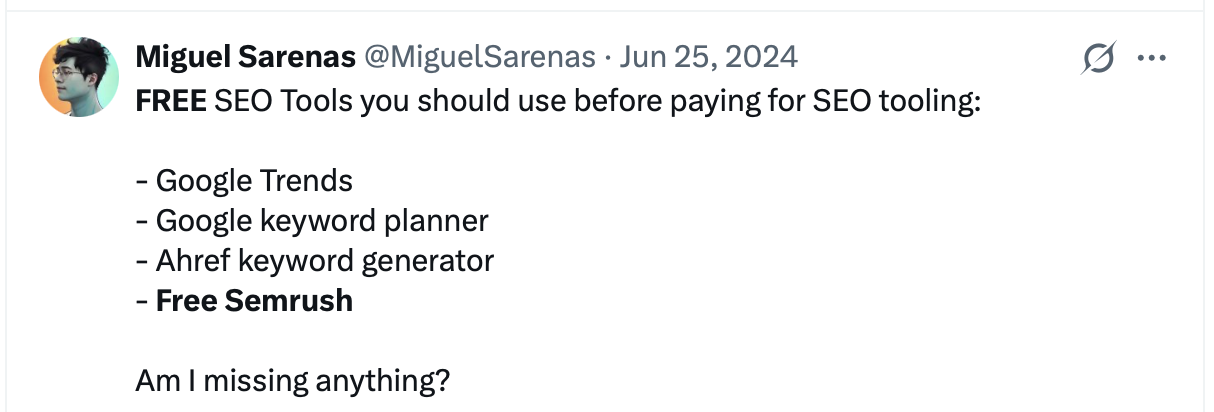
Track up to 10 keywords for one website with Semrush Position Tracking. You can also check organic search performance, view top keywords, analyze backlinks, and access limited keyword and competitor research.
The free account has restricted daily limits but does not require a paid subscription.
38. Seobility
Seobility is an all-in-one SEO tool for website audits, ranking monitoring, backlink analysis, keyword research, and competitor analysis.
Alongside its paid plans, Seobility offers a permanently free Basic plan with limited access to its SEO suite.

39. SEOquake
SEOquake is a free browser extension that provides key SEO metrics for a specific page, along with useful tools such as on-page SEO audits, link analysis and keyword density reports.

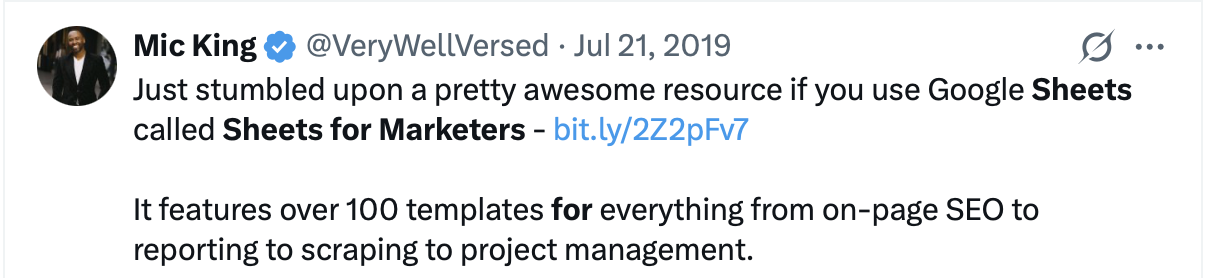
40. Sheets for Marketers
Learn how to get your hands around marketing data, automate your work, and up your marketing game without ever leaving Google Sheets.
41. SmallSEOTools
SmallSEOTools offers a large collection of free tools for SEO and content. Check keywords, backlinks, website performance, meta tags, grammar, spelling, plagiarism, images and more.
42. Internet Marketing Ninjas
Check out their long list of free SEO tools and discover what SEO strategies are working for your site. Identify the most common issues and errors like broken links and images, empty alt text, absent meta tags, etc.
43. Link Assistant
Link Assistant offers several SEO tools for analyzing and improving your website’s search performance.
The free version lets you check rankings, analyze backlinks, monitor competitors and audit your website. It is free to use without a time limit.
Best free on-page SEO tools
On-page SEO is the practice of optimizing web page content for search engines and users.
44. Natural Language API Demo
Google’s Natural Language API Demo uses machine learning to reveal the structure and meaning of a text. You can extract information about people, places, and events, analyze sentiment, and see how Google classifies your content.
45. Onpage Hero
Onpage Hero scans your rendered webpage in real-time and sends SEO-relevant data as hits to your Google Analytics account. It turns Google Analytics into an SEO suite.
46. Rich Results Test
Test your publicly accessible page to see which rich results can be generated by the structured data it contains.
You can also test code directly to check whether your structured data is valid for Google-supported rich results.
47. Schema Markup Validator
Use the Schema Markup Validator to test and validate Schema.org structured data on a webpage or in a code snippet.
It helps identify syntax errors and lets you check structured data types that are not necessarily supported as rich results in Google Search.
48. Google Tag Manager
Use Google Tag Manager to manage measurement and marketing tags on your site. Without editing your site code every time, you can use the Tag Manager interface to add and update Google Analytics, Google Ads and third-party tags.

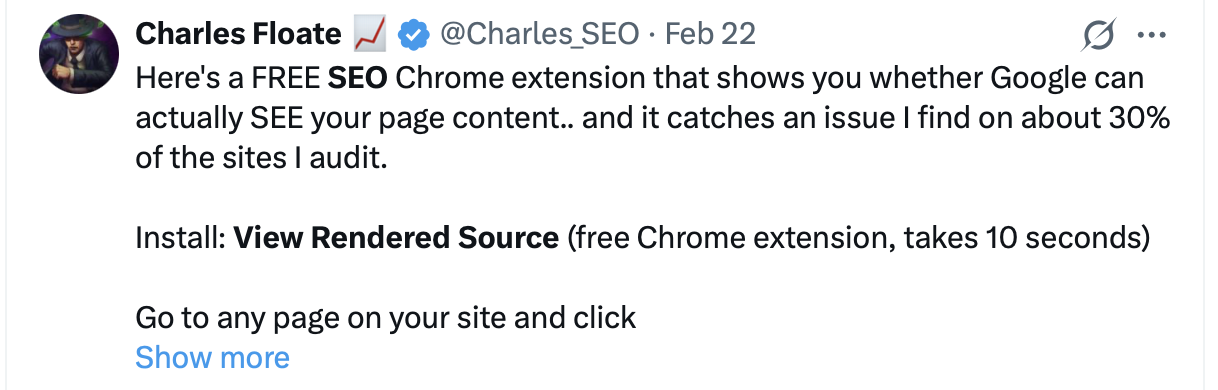
49. View Rendered Source
Just request the raw source as Googlebot and identify potential technical SEO issues. Works with GatsbyJS and Prerender.
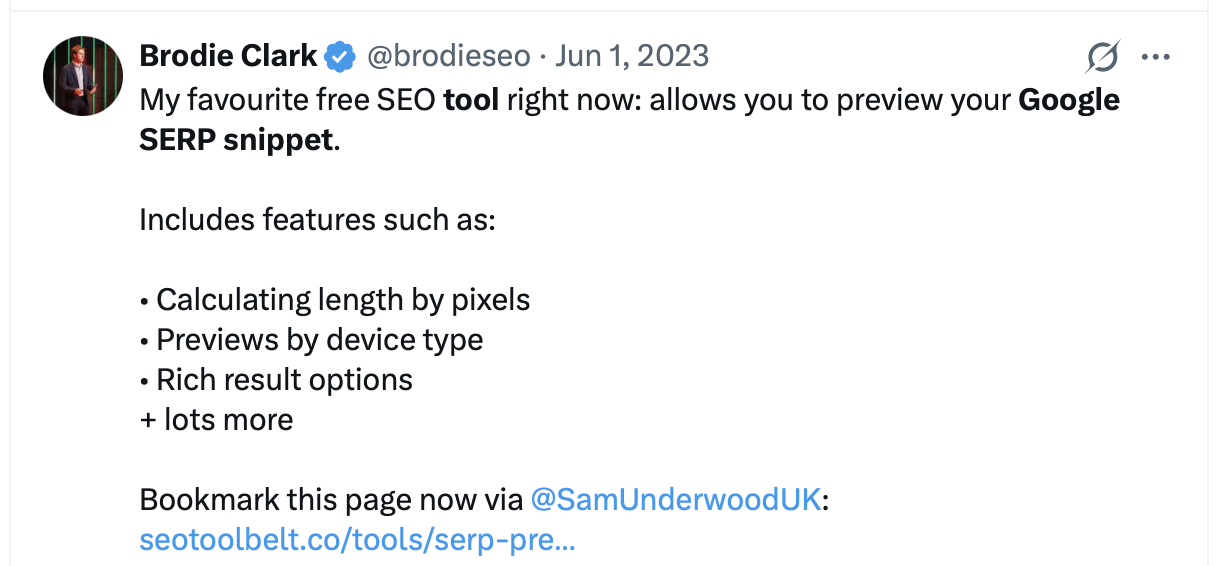
50. Google SERP Snippet Optimization Tool
Formerly known as SERPSim, HigherVisibility’s free SERP simulator lets you preview how your title, URL, and meta description may appear in Google search results.
51. Schema Markup Generator
TechnicalSEO.com has a number of free SEO tools that you can leverage, but my favorite is their schema markup generator.
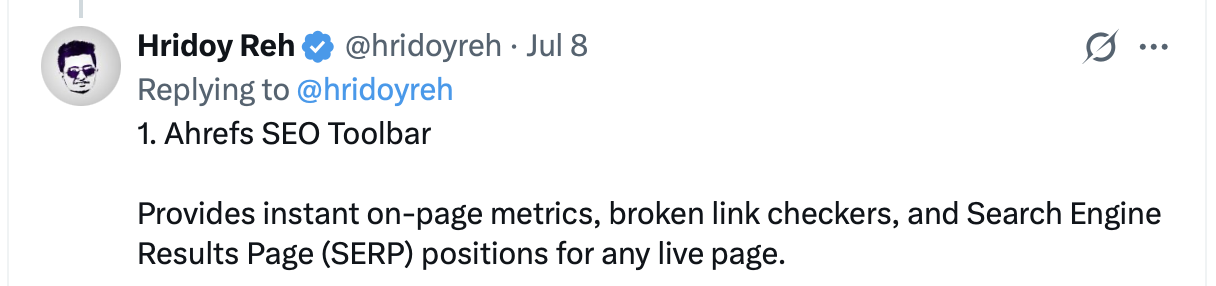
52. Ahrefs SEO Toolbar
Ahrefs SEO Toolbar is a free extension for Chrome, Firefox, and Safari that provides useful SEO data about the pages and websites you visit.
53. Backlinko SEO Checker
Backlinko’s free SEO Checker analyzes a page for on-page SEO issues and gives you a score with prioritized recommendations.
It checks elements such as title tags, meta descriptions, headings, internal links, canonical URLs, crawlability, page speed, Core Web Vitals, and more. You can run up to three free checks per day without an account.
54. WooRank SEO Extension
WooRank’s free SEO browser extension lets you quickly check the SEO health and score of any website without leaving the page.
Use it to review on-page SEO, identify issues, check competitors and get quick recommendations for improving a website.
Top SEO tools for research
Keyword research is a necessary step before you can strategically grow key website performance metrics. It will help you to fine-tune your content to increase and improve the quality of organic search traffic.
55. Hunter.io
Founded in 2015, Hunter’s mission is to give professionals the power to create new connections with the people that matter. Use it for finding and verifying email addresses.
56. Similarweb
All in one Website analytics & competitive traffic intelligence platform. Compare website traffic and performance, analyze competitors’ strategies & grow your market share.
The free Website Traffic Checker provides a limited sample of Similarweb’s traffic and competitive data.
57. Wappalyzer
Wappalyzer is more than a CMS detector or framework detector: it uncovers more than a thousand technologies in dozens of categories such as programming languages, analytics, marketing tools, payment processors, CRM, CDN and others.
58. Wayback Machine
Use this free SEO tool for researching older links that may have disappeared, tracking website modifications that resulted in traffic changes, and using archived pages as evidence.

59. Check a Domain Bulk Domain Check
Check a Domain’s free Bulk Domain Availability Check lets you check the availability of multiple domain names at once.
Paste in a list of domains to see which are available, compare registration and renewal prices and export the results as a CSV.
60. BuzzSumo
BuzzSumo helps you research popular content, topics, competitors and trends to understand what is performing well in your market.
The platform offers a 7-day free trial. After the trial period, a paid subscription is required.
Best free SEO tools for site speed
Site speed is an important factor for both search performance and user experience.
Check your site speed with these free tools.
61. Cloudflare
Cloudflare for individuals is built on a global network. Their free SEO package is ideal for personal or hobby projects that aren’t business-critical.
The free plan includes a CDN and other performance features that can help improve website speed and reduce load on your server.
62. Lighthouse
Lighthouse is an open-source, automated tool for improving the quality of web pages. You can run it against any web page, public or requiring authentication.
It has audits for performance, accessibility, SEO and more.
63. WebPageTest
Run a free website speed test from multiple locations around the globe using real browsers and real consumer connection speeds.

64. Rank Math
Rank Math is an SEO plugin for WordPress that makes it easy to optimize your content with built-in suggestions based on widely accepted best practices.

65. Yoast SEO
Yoast SEO is an awesome, powerful tool that does most of the stuff you need for SEO, even the advanced stuff. And it’s free!

66. GTmetrix
GTmetrix helps you test and monitor website performance using real browser data, Web Vitals and detailed page-load reports.
New Basic accounts get 5 on-demand tests per month for 3 months. After that trial period, a paid plan is required to continue testing.
Best free technical SEO tools
This is the process of optimizing your website for the crawling and indexing phase. With technical SEO, you can help search engines access, crawl, understand and index your website without any problems.
67. Google Search Console
The URL Inspection tool provides detailed crawl, index, and serving information about your pages, directly from the Google index.
68. Log Hero
Log Hero, integrated into the Keyword Hero app, makes AI bots, search engine bots, and other crawlers visible and gives you an easy way to monitor your logs.
See which bots are crawling your website, which pages they access, how often they return, and which HTTP status codes they encounter.
69. Screaming Frog
SEO Spider is a website crawler that helps you improve onsite SEO by extracting data and auditing for common SEO issues.
70. Barracuda Panguin Tool
Probably one of the best go-to tools when your organic traffic has dramatically dropped or you are no longer seeing your site in the SERPs.
Panguin helps you investigate whether changes in organic traffic coincide with Google algorithm updates.
71. Httpstatus.io
Easily check status codes, response headers and redirect chains.
72. Smush
Lets you compress images in any directory so that you can optimize images across your WordPress site.
73. WhereGoes?
Have you ever wondered: Where does this link go? The URL redirect checker follows the path of the URL. It will show you the full redirection path of URLs.
74. SEO.Domains Robots.txt Generator
SEO.Domains’ free Robots.txt Generator helps you create valid robots.txt rules for search engines and AI crawlers.
Add Allow and Disallow rules, sitemap locations, crawl delays, specific crawler instructions and download the finished robots.txt file.
75. SmallSEOTools Robots.txt Generator
SmallSEOTools’ free Robots.txt Generator helps you create a robots.txt file for your website without writing the rules manually.
Set crawler access, crawl delay, sitemap location, and restricted directories. Then generate the finished robots.txt file.
76. Log Hero Robots.txt Generator
Log Hero’s free Robots.txt Generator helps you control which search engine crawlers, AI bots and other bots may access different parts of your website.
You can group bots, define Allow and Disallow rules, add sitemap URLs and set crawl delays. The finished robots.txt file can then be copied or downloaded.
77. Hreflang Tags Generator
Generate the hreflang tags for your multi-language or multi-country site easily and fast.

Free rank checking tools
A core task in daily SEO is monitoring SERP position. These free tools will help you keep tabs on your progress.
78. Ahrefs’ SERP Checker
This is one of the best free SEO tools for getting an accurate ranking difficulty score and detailed SEO stats for the top 10 search results.
79. Local Search Results Checker
A strong tool for anyone serious about local search. Having them on your side is like having full-time local SEO staff!
80. WhatsMySerp
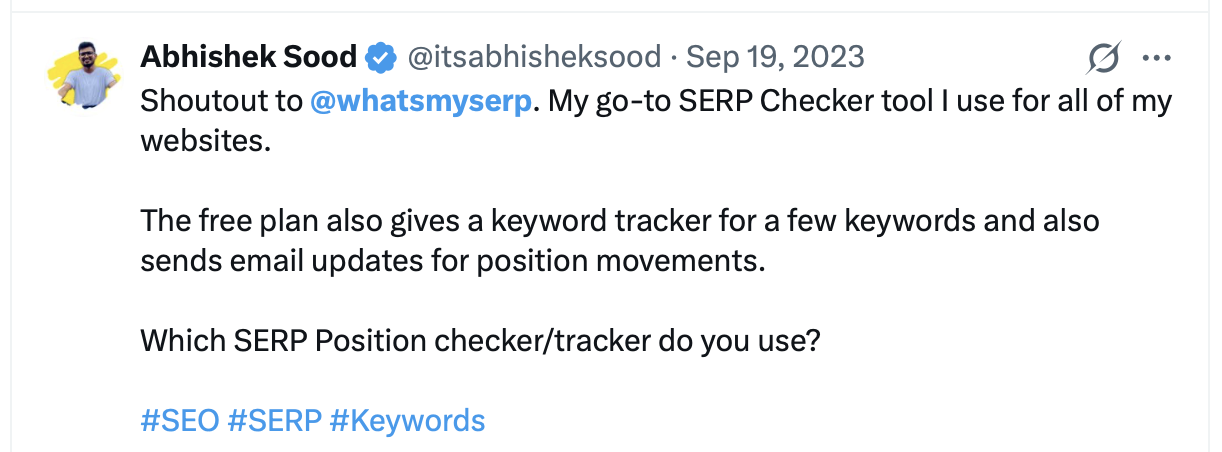
WhatsMySerp’s free SERP checker allows you to check the top 100 Google search results for multiple keywords. You can use it to analyze SERPs and check your website position. It’s free and available online, with no download required.
81. Link-Assistant Rank Tracker
Track keywords with no limit, check positions in SERPs, see rankings for the exact location, and analyze the ranking performance of any keyword, all in one ranking tool.
82. Semrush Position Tracking
Semrush Position Tracking lets you monitor your website’s rankings for selected keywords over time.
The free account lets you track up to 10 keywords on one website, with daily ranking updates and basic competitor comparisons.
Best free keyword tracking tools
If you are serious about SEO you will have a list of target keywords that you want to rank for. These free keyword tracking tools will make your life easier.
83. Keyword Hero
Keyword Hero uncovers the majority of the organic keywords driving traffic to your website and connects them with session and performance data.
Track which keywords generate traffic, engagement, and conversions. Analyze search intent and work with historical keyword data in the Keyword Hero web app or a separate Google Analytics property.
84. Google Search Console
Google Search Console shows which search queries are generating impressions and clicks for your website in Google Search.
Use it to track keyword performance over time with data on clicks, impressions, click-through rate. and average position. You can also identify which pages rank for specific queries and compare how their search performance changes over time.
85. Bing Webmaster Tools
Bing Webmaster Tools shows which keywords are generating impressions and clicks for your website in Bing Search.
Use it to track keyword performance, including clicks, impressions, CTR and average position.
86. Ahrefs Free
Ahrefs Free, formerly Ahrefs Webmaster Tools, is a free service that shows which keywords your verified websites rank for in Google and which pages generate the most organic search traffic.
Use it to monitor organic keywords, positions and estimated traffic over time.
87. Authority Labs
Authority Labs helps you track keyword rankings, monitor competitors, and follow local and mobile search performance with daily updates.
The platform offers a 14-day free trial with full access to the selected plan. No credit card is required. After the trial period, a paid subscription is required.
88. DYNO Mapper
DYNO Mapper helps you track keyword rankings and monitor website visibility over time.
The platform also includes website crawling, content auditing, accessibility testing, and visual sitemap tools. A limited 14-day free trial is available, after which a paid subscription is required.
89. RankWatch
RankWatch helps you track keyword rankings, monitor competitors, analyze backlinks, and follow local search performance.
The platform offers a 14-day free trial with access to its SEO tools, although some data limits apply. No credit card is required. After the trial period, a paid subscription is required.
90. Advanced Web Ranking
Advanced Web Ranking helps you track keyword rankings across search engines, locations, and devices, while also monitoring competitors and search visibility.
The platform offers a 7-day free trial with access to its core rank tracking and AI visibility features. After the trial period, a paid subscription is required.
91. WooRank
WooRank helps you research keywords, track ranking positions over time, monitor competitors, and identify new opportunities in search.
The full platform is available with a 3-day free trial. After the trial period, a paid subscription is required.
Best free SEO tools (still under the radar)
These less well known free SEO tools have been rated and recommended by the community, but are less popular than some of the previously listed tools.
92. Majestic
Develop backlink strategies with Majestic’s Link Intelligence data and build stronger SEO backlink campaigns to drive organic traffic.
The free account gives you limited access to backlink data and Site Explorer.
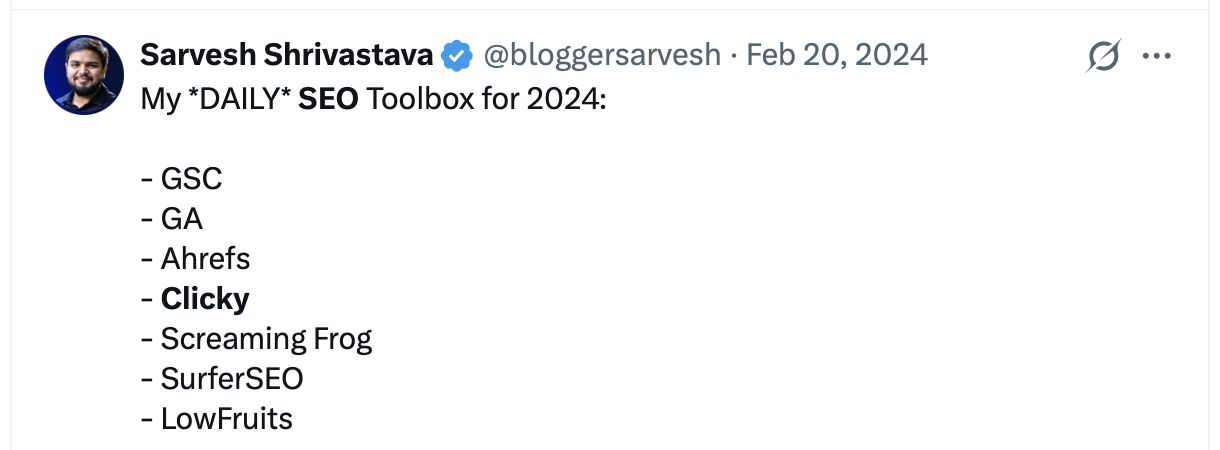
93. Clicky
A reliable way to monitor, analyze, and react to your blog or website traffic in real time.
94. Yandex Webmaster
They track the search queries for the popular Russian search engine Yandex. The service allows you to monitor changes in displays, number of clicks, CTR snippets, and other indicators.

95. Classy Schema
Check if your structured data was implemented correctly.
96. SERPRobot
See your ranking position for up to 10 keywords with SERPRobot’s free SERP Checker.

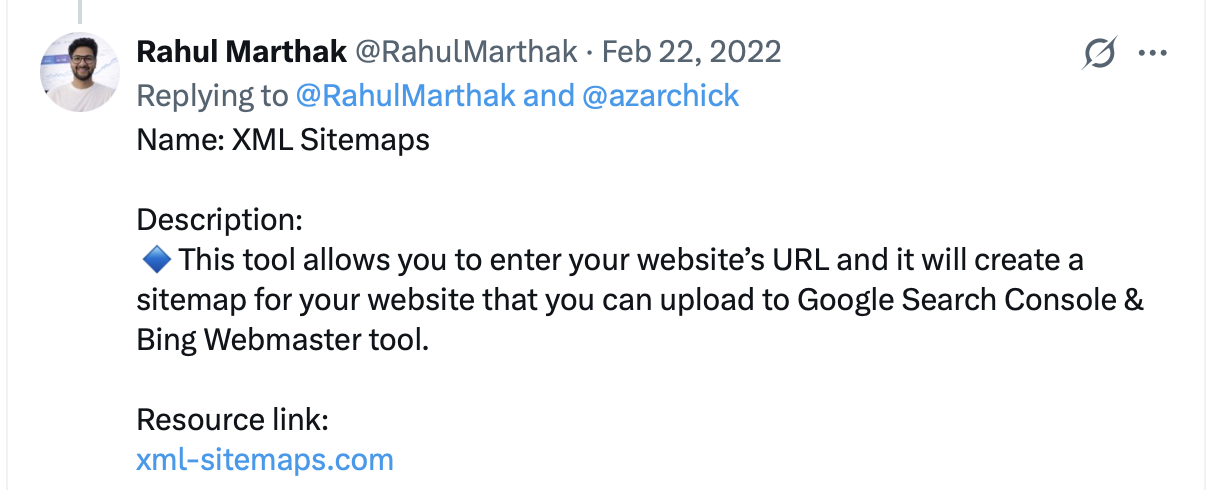
97. XML Sitemaps
Simply enter your site’s URL and some parameters, and XML Sitemaps will create a sitemap that you can upload to Google Search Console and Bing Webmaster Tools.
The free generator supports up to 500 pages and requires no registration.
98. Copyscape
Enter a URL for a blog post or website, and Copyscape can tell you where else that content exists online.
99. Exploding Topics
Exploding Topics surfaces rapidly growing topics before they become popular.

100. HEADMasterSEO
A small desktop program that can quickly check URLs in bulk for status codes, redirect details, response times, response headers and HTTP header fields.
The free version lets you check lists of up to 500 URLs.

AI Visibility tools
101. Ahrefs AI Visibility Checker
Ahrefs AI Visibility Checker shows how often your brand appears across AI search platforms including ChatGPT, Gemini, Perplexity, Copilot, Google AI Overviews, and Google AI Mode.
The free tool gives you a snapshot of brand mentions, topics, and cited domains and pages. No signup is required.
102. Ahrefs AI Mode Tracker
Ahrefs AI Mode Tracker shows how your brand appears in Google AI Mode, including how often it is mentioned and which pages and domains are cited.
The free tool gives you a limited snapshot of AI Mode visibility, mentions over time, top topics, and cited sources. No signup is required.
103. Ahrefs AI Overviews Tracker
Ahrefs AI Overviews Tracker shows how your brand appears in Google AI Overviews, including how often it is mentioned and which pages and domains are cited.
The free tool gives you a limited snapshot of AI Overview visibility, mentions over time, top topics, and cited sources. No signup is required.
104. Semrush AI Search Visibility Checker
Semrush AI Search Visibility Checker shows how visible your brand is across ChatGPT, Gemini, Google AI Mode and Google AI Overviews.
The free report includes an AI Visibility Score, brand mentions, citations, top cited pages, topics and competitor comparisons. You can run up to three free checks per day without creating an account.
105. HubSpot AI Search Grader
HubSpot AI Search Grader gives you a free snapshot of how your brand appears across ChatGPT, Gemini and Perplexity.
It analyzes factors such as brand visibility, sentiment, share of voice and competitive positioning. The tool is free to use for point-in-time analysis, while ongoing monitoring is part of HubSpot’s paid AEO product.
106. HubSpot AI Search Sensor
HubSpot AI Search Sensor is a free public dashboard that tracks broader trends in AI search across ChatGPT, Gemini and Perplexity.
Use it to monitor answer-engine volatility, AI-referred traffic trends, citation patterns, and visibility benchmarks by industry.
107. Log Hero
Log Hero makes AI bots, search engine bots and other crawlers visible by analyzing the requests they make to your website.
See which bots are crawling your site, which pages they access, how often they return and which HTTP status codes and response times they encounter. Log Hero is integrated into the Keyword Hero app and is currently free to use.
108. GEO Tool
GEO Tool checks how well your website is prepared for AI search by analyzing technical setup, content, structured data and other signals that can affect whether AI systems can understand and cite your pages.
The free audit gives you a GEO score, quick wins and practical recommendations. No signup or credit card is required.
109. Writesonic AI Crawl Checker
Writesonic’s free AI Crawl Checker shows what AI crawlers can actually read on your website.
It checks the raw HTML of a page, whether AI bots are allowed or blocked by robots.txt, and whether important content depends on JavaScript rendering. Free checks are available daily without a login.