
You can look at every visitor of your website the same way, is it a converting visitor or not? If you go a level deeper, you can see if they were coming to your website through a specific landing page, if they were using a mobile device, and so on. But if you even want to go further, understanding search intent can be very valuable. And, Keyword Hero knows what the visitors were doing.
The majority of our reports (Overview, Devices, Countries, Landing Page, Brand vs. Generic) have the search intent data embedded in them.
We make 4 distinctions:
- Informational: users exploring a topic
- Navigational: users trying to reach a specific website
- Commercial: users comparing options or researching before any decision
- Transactional: users ready to take action, like making a purchase or signing up
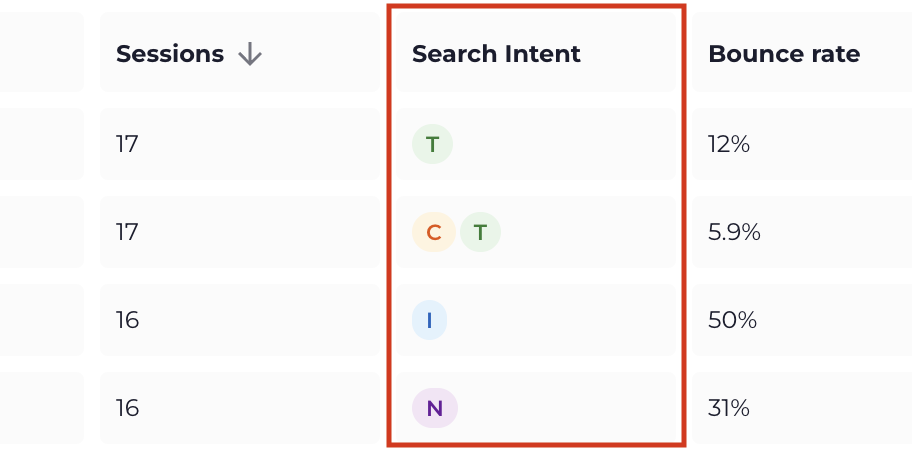
They show as letters I, N, C and T on our pages in the dashboard:
You’ll see this represented by a single letter:
- I – Informational
- N – Navigational
- C – Commercial
- T – Transactional
Which would like this:
Using filters with search intent data
You can work with filters to show results for specific search intent types and analyze other metrics in combination with them.
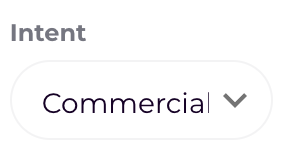
To adjust the filter, click the dropdown box for “Intent”:

And choose the desired search intent you’re going to filter for:
Use any of the other filtering options to narrow down your results.